Heat-Set Insert Hole Size Chart: M2 to M8 Complete Reference
Exact CAD hole diameters for heat-set inserts M2, M2.5, M3, M4, M5, M6, M8 — Ruthex, CNC Kitchen, Voron specs. Plus pocket depths, chamfer specs, and material-adjusted compensation values.
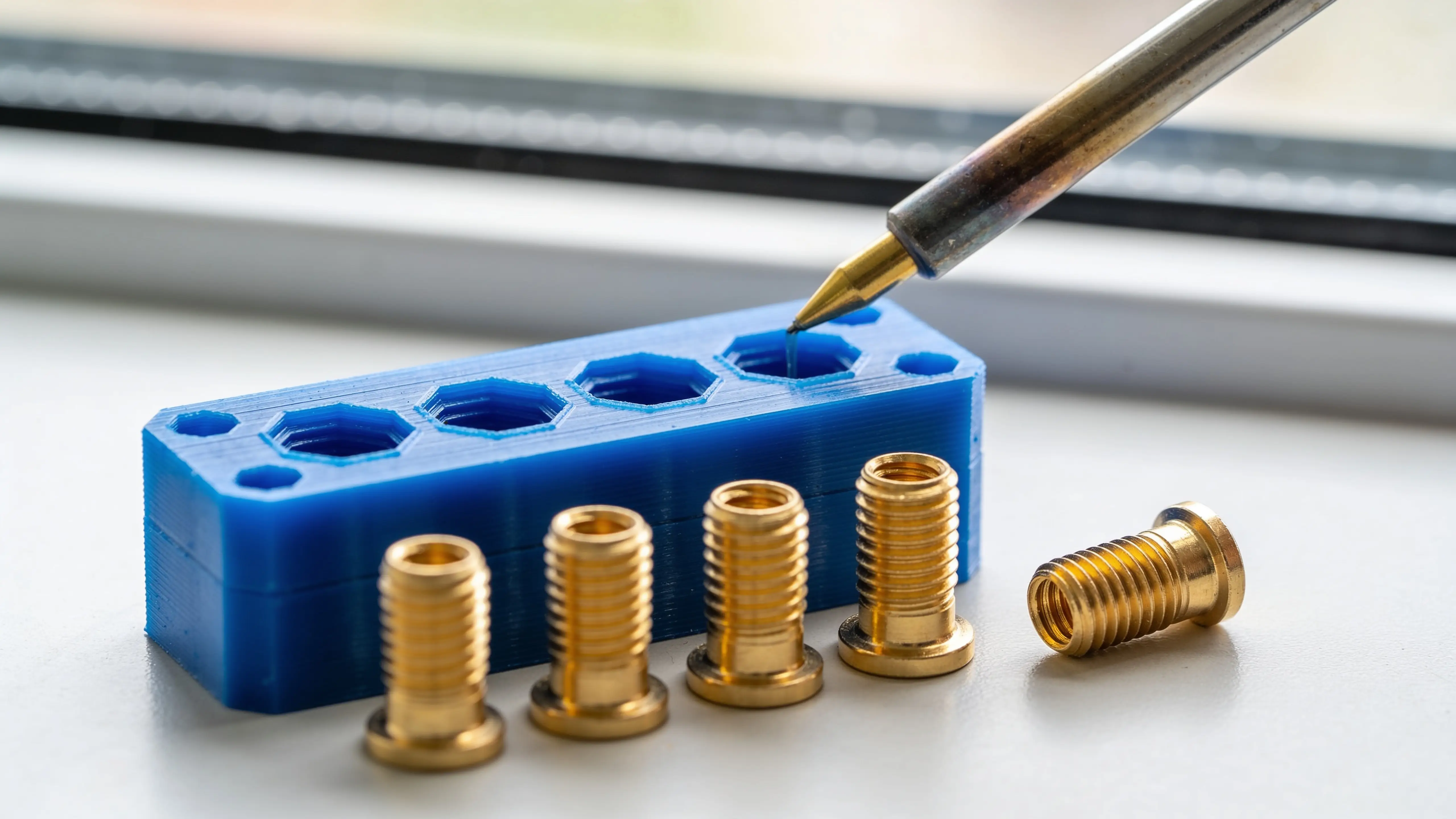
Quick reference. You’re designing a part, you need to drop in heat-set threaded inserts, and you want the exact hole diameter to model in CAD. This page is the chart — by insert size, by material, by nozzle. The full explanation of the math is below, but the table comes first because that’s what you’re here for.
For a calculator that handles your specific printer’s calibration (factoring in your flow rate, your linear advance tuning, your specific filament), the Hole Tolerance Calculator does it live. The values below are the typical defaults that apply to a tuned 0.4mm nozzle setup.
The chart — heat-set insert pocket sizes
Standard Ruthex / CNC Kitchen inserts (most common)
| Insert size | Outer diameter (OD) | CAD pocket Ø in PLA | Pocket depth | Use case |
|---|---|---|---|---|
| M2 | 3.2mm | 3.43mm | 4.5mm | Electronics enclosures, small fixtures |
| M2.5 | 3.6mm | 3.84mm | 6.2mm | Camera mounts, small assemblies |
| M3 short | 4.0mm | 4.24mm | 4.5mm | General-purpose, thin-walled parts |
| M3 long | 4.0mm | 4.24mm | 6.2mm | Voron BOM standard, structural joins |
| M4 | 5.6mm | 5.83mm | 8.6mm | Furniture-grade assemblies |
| M5 | 6.4mm | 6.63mm | 10.0mm | Robotic assemblies, heavy brackets |
| M6 | 8.0mm | 8.23mm | 13.2mm | High-torque mounts |
| M8 | 10.0mm | 10.23mm | 15.0mm | Industrial fixtures |
Pocket depth = insert length + 0.5mm (gives plastic somewhere to flow during install).
Material-adjusted CAD pocket diameter
For materials other than PLA, the compensation changes because of different shrinkage rates. Common adjustments to the PLA values above:
| Material | M3 (4.0mm OD) | M4 (5.6mm OD) | M5 (6.4mm OD) | M6 (8.0mm OD) |
|---|---|---|---|---|
| PLA | 4.24mm | 5.83mm | 6.63mm | 8.23mm |
| PLA+ | 4.24mm | 5.83mm | 6.63mm | 8.23mm |
| PETG | 4.26mm | 5.86mm | 6.67mm | 8.28mm |
| ABS / ASA | 4.29mm | 5.91mm | 6.74mm | 8.36mm |
| Nylon (PA) | 4.30mm | 5.93mm | 6.77mm | 8.40mm |
| Polycarbonate | 4.29mm | 5.91mm | 6.74mm | 8.36mm |
| PA-CF | 4.26mm | 5.86mm | 6.67mm | 8.28mm |
The variation between materials at the same insert size is small (0.05–0.10mm) because most of the compensation is “slicer/extrusion overshoot” (a fixed effect) rather than “material shrinkage” (proportional to size, which barely matters at 4mm).
For nozzles larger than 0.4mm
Multiply the slicer compensation portion by nozzle / 0.4. The shrinkage portion stays the same. Practically:
- 0.6mm nozzle: add ~0.10mm to the values above
- 0.8mm nozzle: add ~0.20mm to the values above
A 0.4mm nozzle is what 95% of these inserts get installed with, so the base table is the right starting point.
Installation specs
Pocket geometry
- Chamfer at entry: 1mm × 45° — mandatory. Lets the insert self-align as you start it.
- Pocket depth: insert length + 0.5mm. The displaced plastic needs somewhere to flow.
- Wall thickness around pocket: minimum 1.5mm (M3), 2.0mm (M4), 2.5mm (M5+). Too thin and the wall splits during install.
- Spacing between pockets: minimum 2× pocket diameter center-to-center for parallel inserts.
Soldering iron temperature
| Material | Iron set point |
|---|---|
| PLA | 220–240°C |
| PETG | 230–250°C |
| ABS / ASA | 250–270°C |
| Nylon (PA) | 280°C |
| Polycarbonate | 290–310°C |
Too cold: knurls don’t grip after the part cools. Too hot: plastic outgases and leaves voids. The numbers above target a slow, controlled melt.
Install procedure
- Heat the iron to the target temp + give it 30 seconds to stabilize
- Use a dedicated heat-set insert tip ($5–10) shaped to fit the insert ID
- Rest the tipped iron on top of the insert, light downward pressure (~hand weight)
- Let it sink slowly — 5–10 seconds per insert. Faster compromises knurl grip
- Verify insert is flush or just slightly proud, perpendicular to the surface
- Let cool 30+ seconds before torquing a screw in
Why the chart values are what they are
Three contributors to printed-hole shrinkage:
total_compensation = material_shrinkage + slicer_polygon_approximation + extrusion_overshootFor an M3 insert (4.0mm OD), in PLA on a 0.4mm nozzle:
- Material shrinkage:
4.0 × 0.003 = 0.012mm(negligible) - Slicer polygon approximation: ~0.04mm (slicer converts circle to 32-gon)
- Extrusion overshoot: ~0.18mm (inside-curve material pile-up)
- Total: ~0.24mm — model the pocket at 4.24mm
This is roughly fixed at small sizes (M2–M5) because the overshoot dominates. Larger sizes (M6+) start getting more material-shrinkage contribution but the formula compresses both into the chart values above.
When the chart doesn’t quite work
If you’ve installed inserts following the chart and they’re loose:
- Your printer over-extrudes — your printed pocket is larger than the formula expects. Calibrate flow rate down 2–3%. Or use the Hole Tolerance Calculator calibration override.
- Insert is the wrong spec — generic Amazon “M3” inserts vary wildly in OD. Stick with named-brand (Ruthex / CNC Kitchen) or measure yours.
If they’re so tight the insert won’t seat or the wall splits:
- Your printer under-extrudes — pocket is smaller than the formula expects. Calibrate flow rate up 2–3%.
- You’re at the wall thickness minimum — bump wall thickness 0.5mm and retry.
- Material shrinkage is higher than expected (especially Nylon) — bump pocket Ø by 0.1mm.
After one calibration print (~15 min), all future heat-set installs work first try. The Hole Tolerance Calculator saves the calibration to your browser so you don’t have to redo it.
How to use this chart in production
- Pick the insert (M3 long is the most common — Voron BOM standard)
- Look up the CAD pocket Ø for your material
- Draw the pocket as a circle with the chart diameter, depth = insert length + 0.5mm, 1mm × 45° chamfer at entry
- Print, install, torque screw in. Should hold 1000+ assembly cycles
For the deeper explanation of why hole compensation works the way it does — including the polygon-approximation effect, extrusion overshoot, and orientation considerations — see 3D Printed Holes Too Small? Exact mm Compensation by Material.
For the full install walkthrough with temperature, tooling, and common failures, Heat-Set Inserts in 3D Printed Parts: A Practical Guide covers it end to end.